

Description
Code 3 lets you embed multi-object, interactive 3D scenes into your WordPress site using a simple shortcode.
Ideal for developers, designers, and digital creatives who want to create engaging 3D web experiences — without hardcoding them into templates.
Features
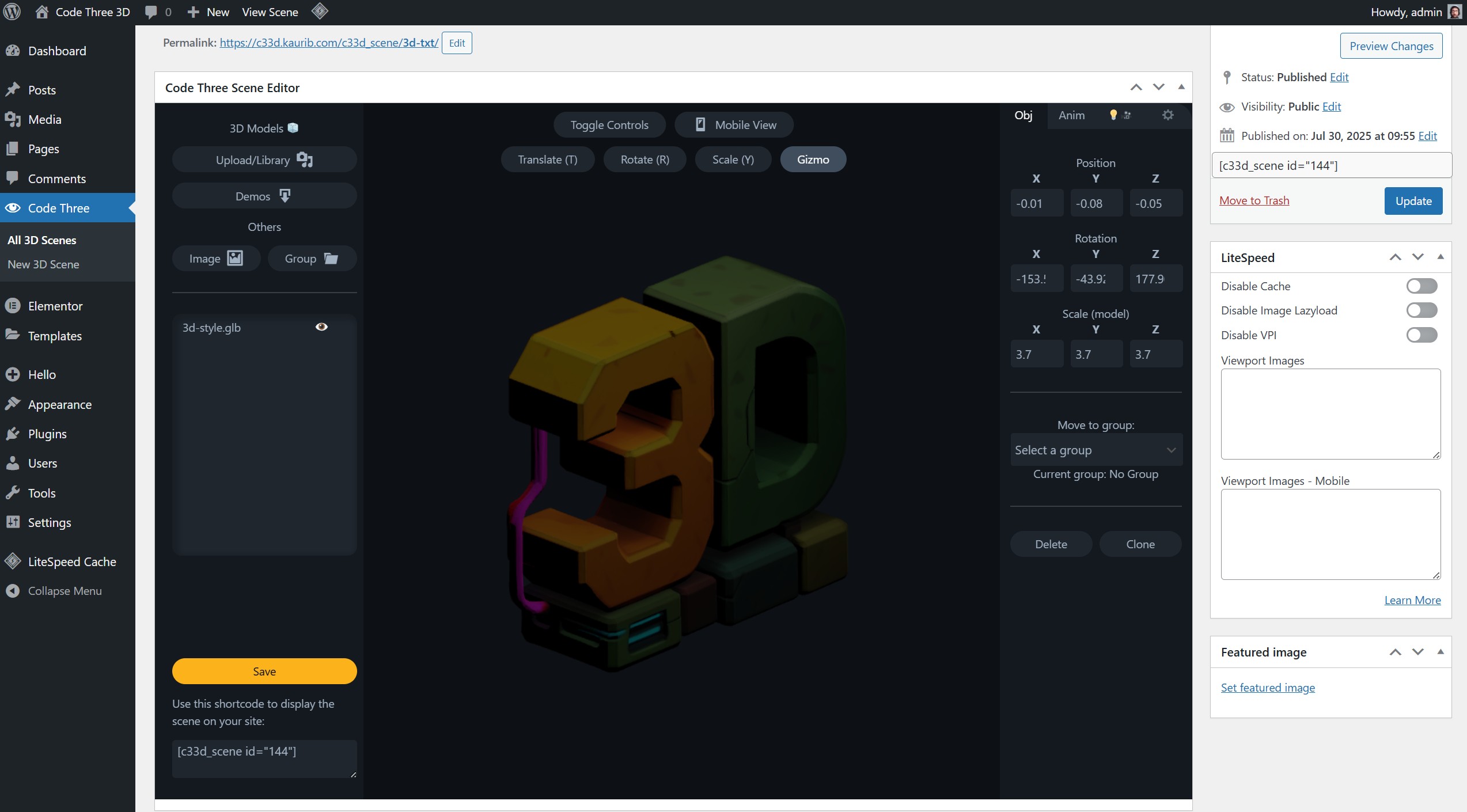
- Upload multiple GLB models to a scene and change their transforms (position, rotation, scale)
- Add images from media library as objects in the scene (fully transformable)
- Embed 3D scenes via shortcode
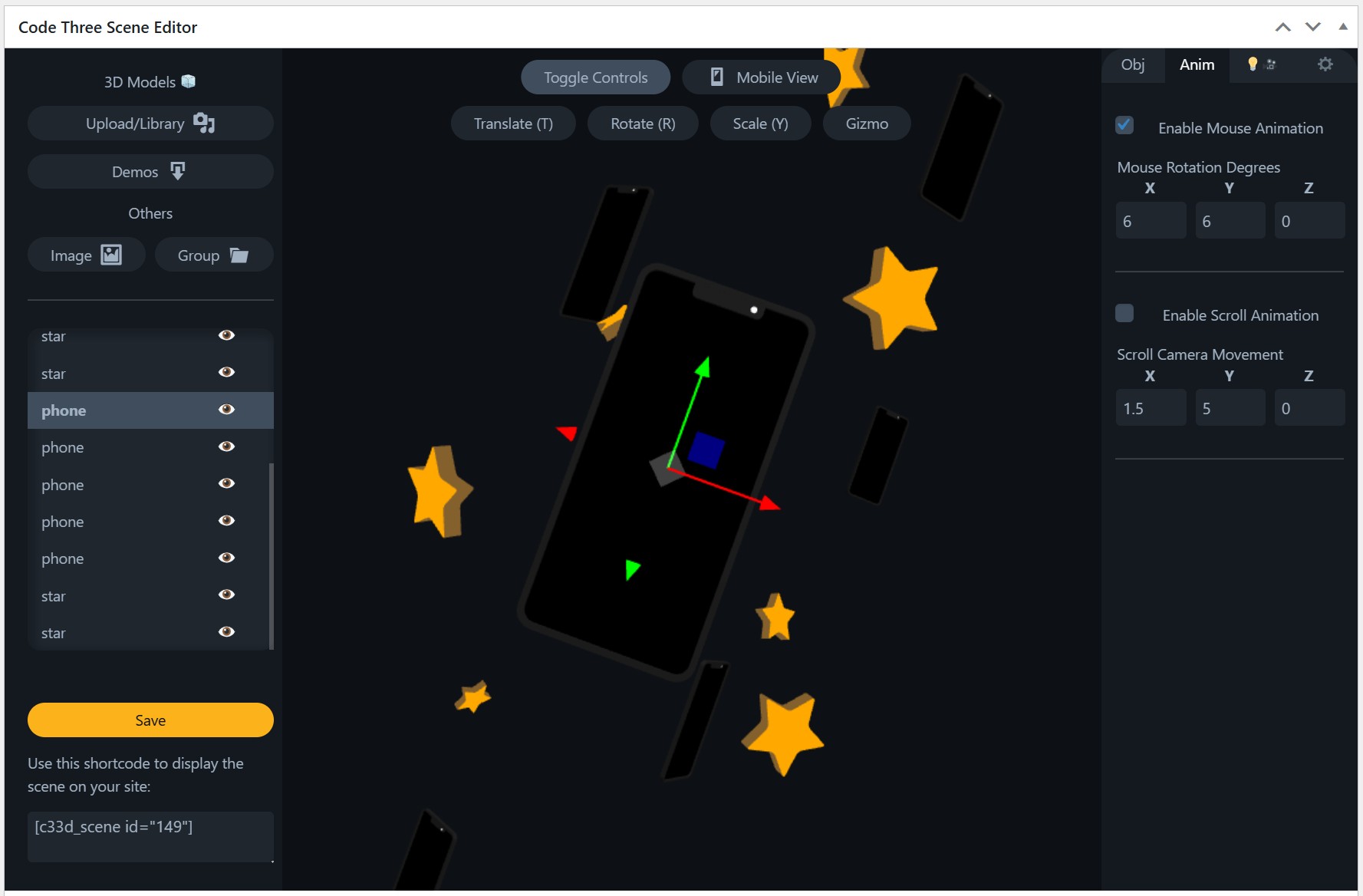
- Mousemove and scroll interaction
- Switch between Orthographic and Isometric camera
- Build a seperate composition for a defined breakpoint
How It Works
- After clicking Add New Scene, you can add models by uploading GLB to the media library
- You can change all objects position/rotation/scale in the scene editor
- You change global settings like light intensity and scroll/mouse interaction
- Place the shortcode anywhere you want it to display
Shortcode Examples
[codes_scene id="39"]
By default the width will be 100% of the container the shortcode is placed and the height will be 500px
[codes_scene id="39" width="500px" height="30vh"]
Set custom height and width of the shortcode, accepts all CSS measurements.
Screenshots


Installation
Installing and activating via the plugin repository is all that’s needed.
Basic intro guides/tutorials coming soon.
FAQ
-
I added a model, why can’t I see it?
-
The most likely is the model size is huge/tiny. Try scaling it up or down (sometimes a lot).
-
Why is my model is completely black?
-
Either lighting or materials are not setup correctly. Try change the light intensity or toggle environment light. If it’s a material issue you need to fix the model in a 3D software e.g. blender or find a new one.
-
My scene looks smaller that I made it
-
The scene size is based on the height/width of the canvas. The editor canvas is large, almost the whole screen. You can either make the container that holds the shortcode bigger, change the width/height values in the shortcode itself or adjust scales of objects in the editor.
-
My scene looks broken on mobile
-
Within the editor you can move all objects into a different layout (click mobile view at the top of the builder UI) beyond a defined breakpoint (set via setting icon in top right of builder). If you want to stop this happening, just set the breakpoint to something tiny like 1px.
-
What model formats are accepted?
-
Just glb/gltf for now. More coming soon.
Reviews
There are no reviews for this plugin.
Contributors & Developers
“Code Three 3D Interactive” is open source software. The following people have contributed to this plugin.
Contributors
Translate “Code Three 3D Interactive” into your language.
Interested in development?
Browse the code, check out the SVN repository, or subscribe to the development log by RSS.
Changelog
1.0.0
- Initial release
- Upload/Add GLB
- Add images as scene objects
- Clone/Delete scene objects
- Change all transforms of models (gizmo/hotkeys)
- Default lights, adjustable intensity, directional light can be positioned
- Insert scenes via shortcodes (can set width and height within these)
- Allows multiple shortcode instances on the same page
- Scroll link to camera position animation
- Mouse move link to scene rotation animation
- Download demo models/scenes
- Set separate scene arrangement for a defined breakpoint
- Add groups that can hold objects (like a null object)