

Description
Show your work inside a device. This plugin adds a Device Mockup widget to Elementor that wraps images, videos, and image galleries in clean device frames: a browser window, a laptop, a tablet, a phone, or a bare screen with no chrome at all.
The frames are drawn entirely in CSS. There are no mockup images to load and no external requests — frames stay sharp at any size, and every part of the device can take your own colors.
Five device frames
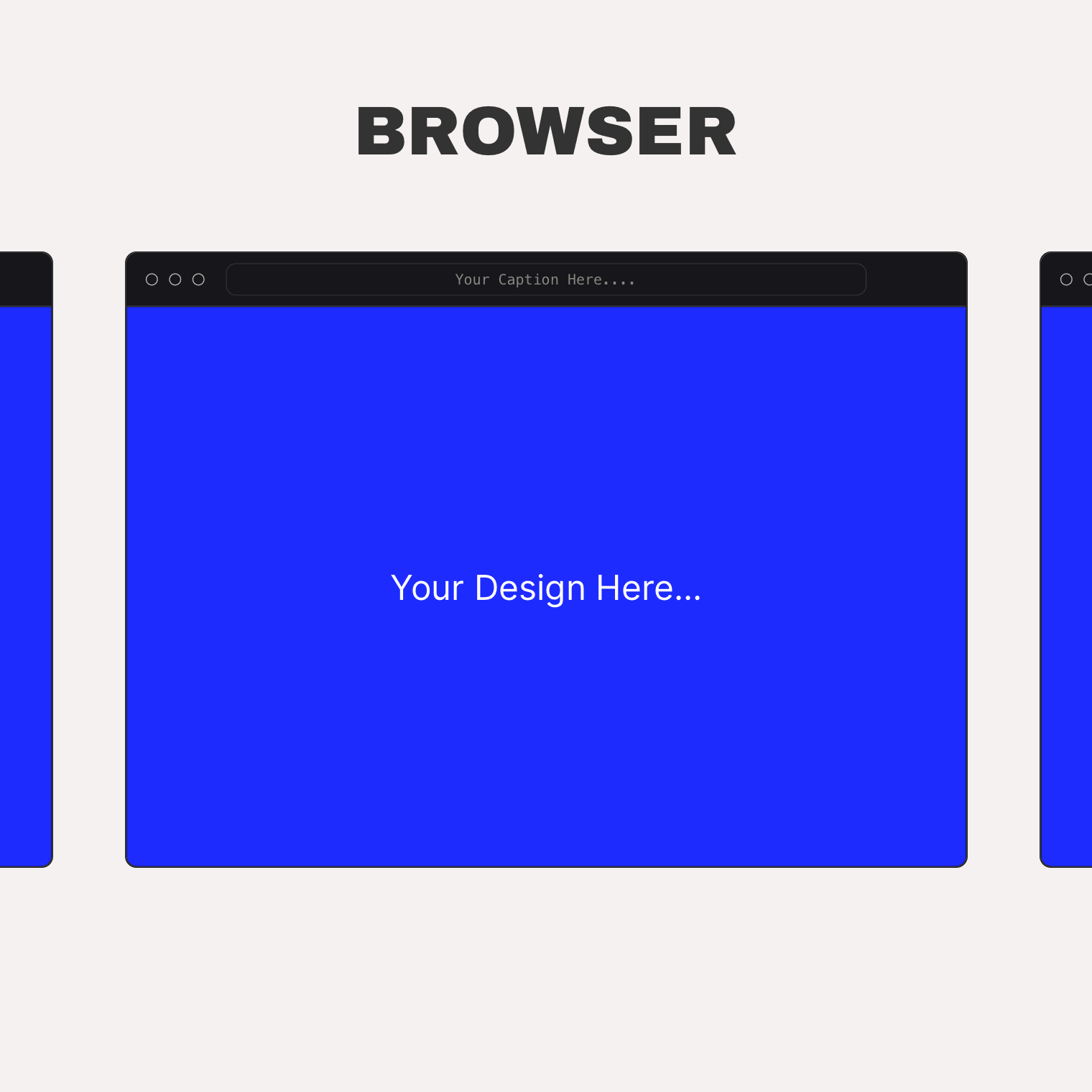
- Browser — a desktop browser window with traffic dots and a URL bar. Show your caption inside the URL bar or below the frame, with an optional link arrow.
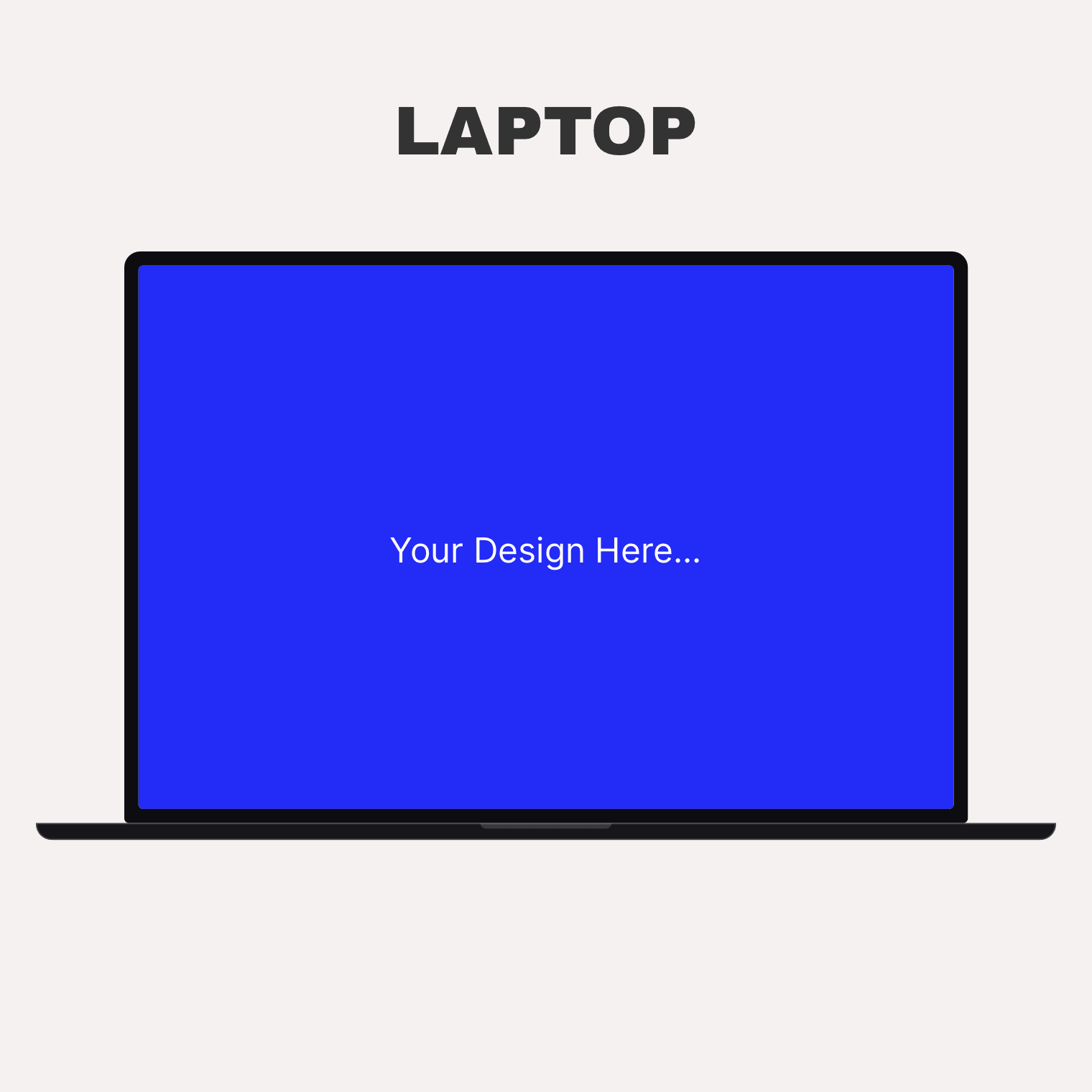
- Laptop — a notebook frame with lid, camera, and base.
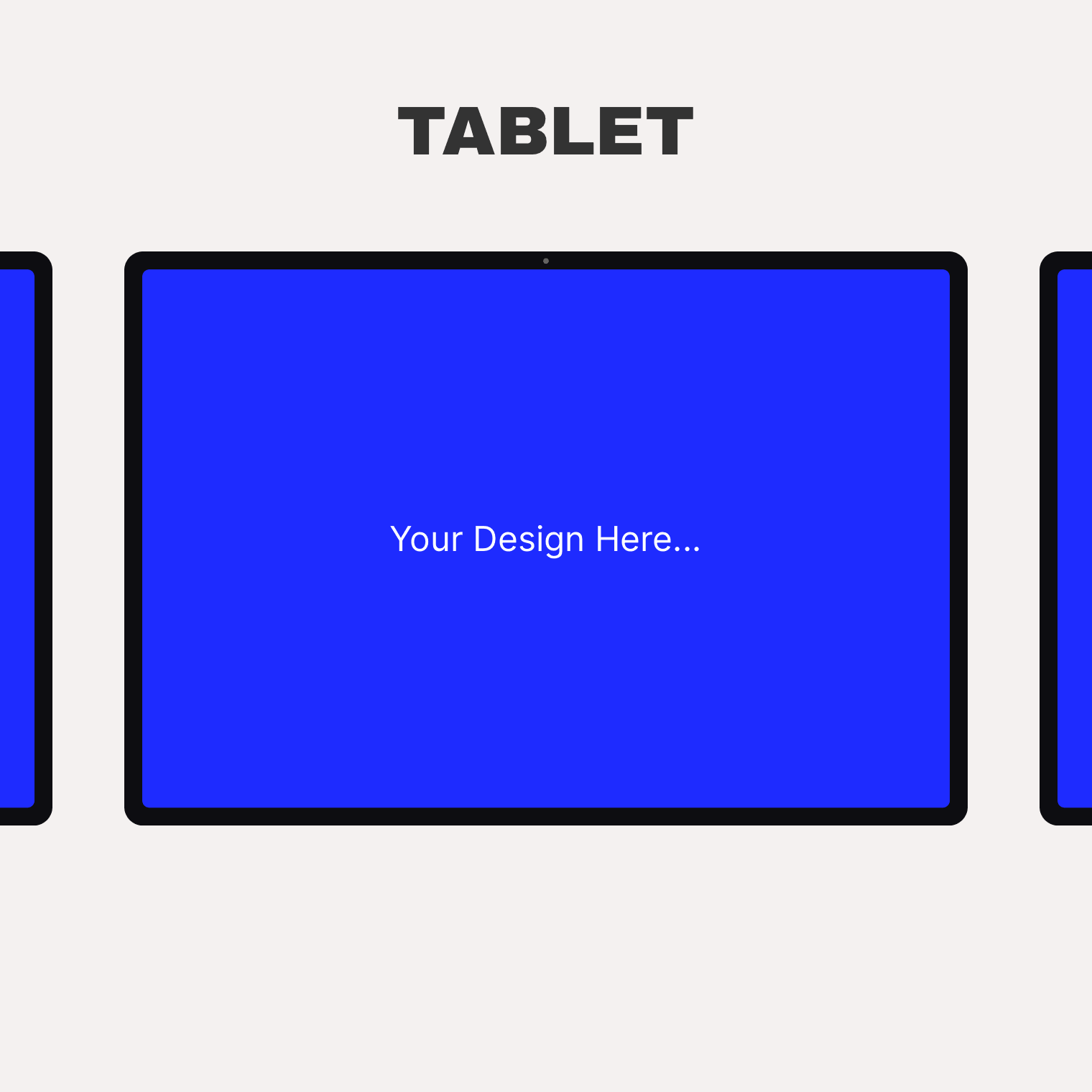
- Tablet — portrait or landscape orientation.
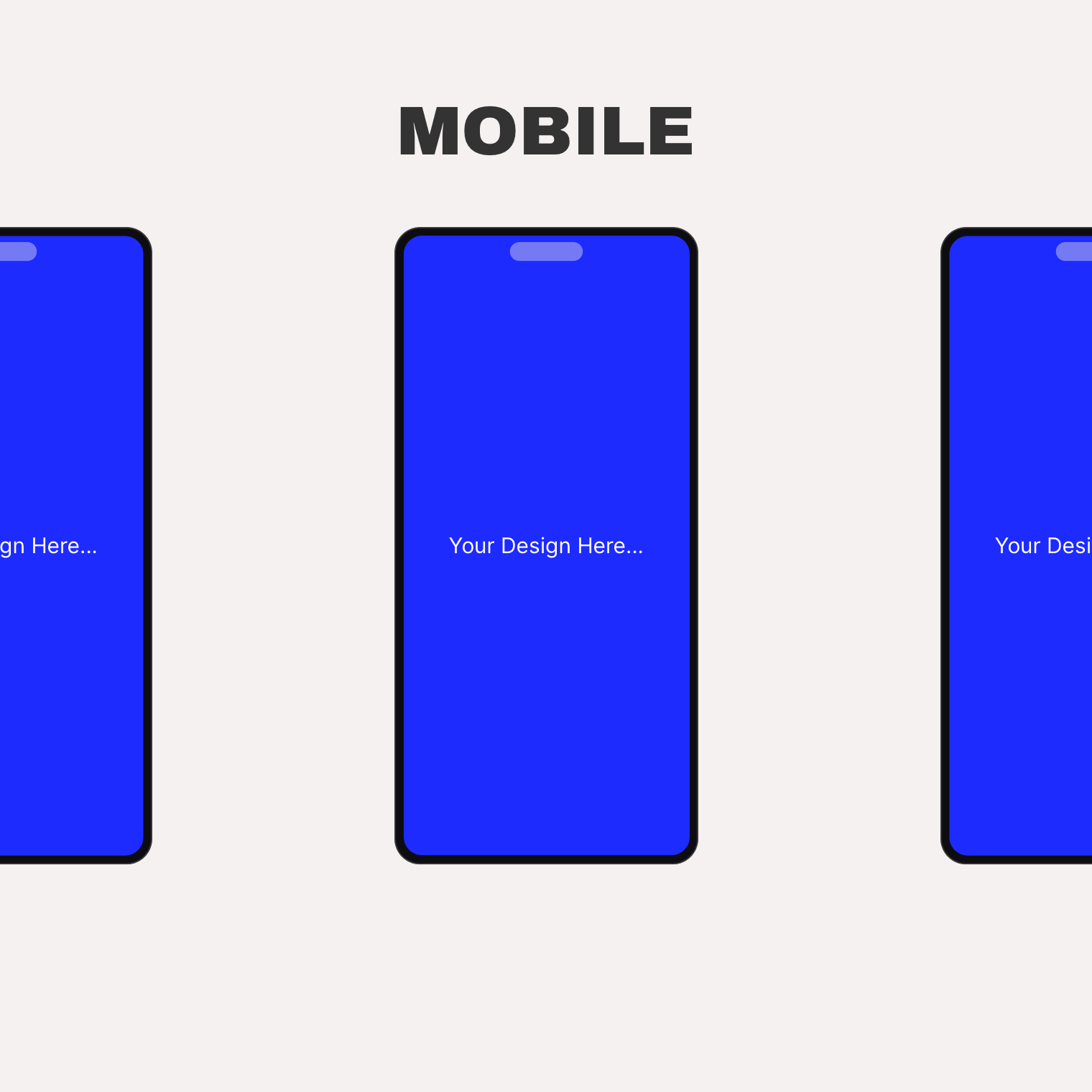
- Phone — a portrait phone frame with a pill cutout.
- Bare — just the screen, with an adjustable corner radius.
Any screen content
- An image in any registered size.
- Video: self-hosted, YouTube, or Vimeo — muted, looped, without player chrome, with a server-rendered poster.
- A rotating gallery that cycles on hover or automatically when scrolled into view, with your own interval and loop setting.
Behaviors and styling
- Play video on hover only, or while the mockup is visible in the viewport.
- Scroll a tall screenshot inside the frame on hover.
- Per-device colors: body, screen, border, chrome, camera, traffic dots, URL bar.
- Aspect ratio (3:2, 4:3, 16:9, 1:1, 2:3, 9:16), object fit and position — responsive per breakpoint.
- Captions and descriptions pulled from the image’s alt text, title, caption, or description — or custom text.
- Dynamic tags on media, link, and text fields. WPML-ready (caption, description, and URL bar text are translatable).
Templates can be overridden from your theme: copy a template into {your-theme}/device-mockups/.
Screenshots
Installation
- Install and activate Elementor (the free version is fine).
- Install and activate Arts Device Mockups for Elementor.
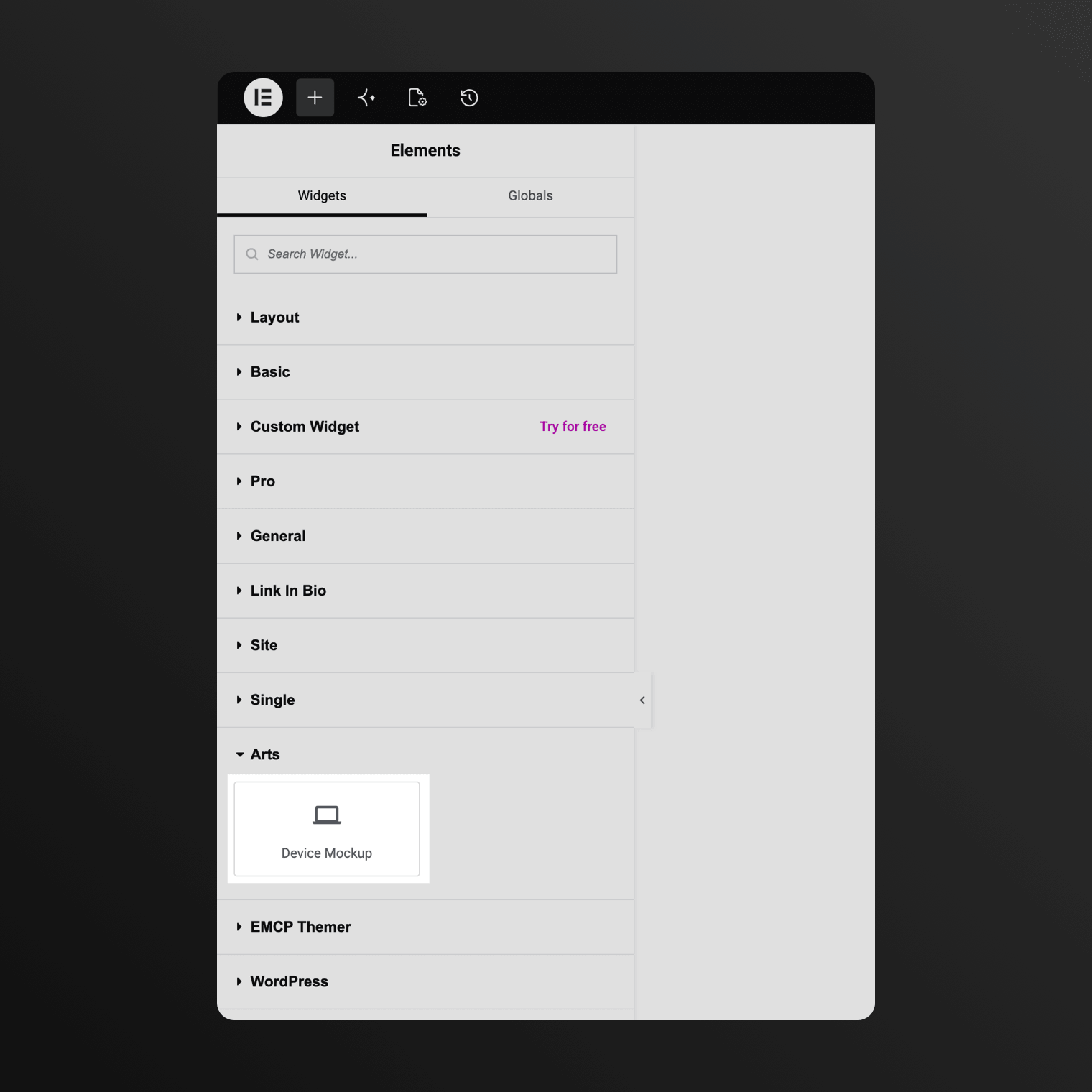
- Edit a page with Elementor and drag the Device Mockup widget from the “Arts” category onto the canvas. Pick a frame, drop in an image, video, or gallery, and you are done. There is no settings screen.
FAQ
-
Does it require Elementor Pro?
-
No. The free Elementor plugin (3.5 or newer) is enough. It works with Elementor Pro too.
-
Does the plugin load anything from external servers?
-
No. The device frames are pure CSS and everything renders from your own site. The only exception: if you choose YouTube or Vimeo as a video source, that provider’s official player script loads for that widget — and only then.
-
Are the device frames based on real products?
-
No. All frames are generic, brand-neutral shapes drawn in CSS — no product images or logos.
-
Where do I find the widget?
-
In the Elementor editor, look for “Device Mockup” under the “Arts” category.
Reviews
There are no reviews for this plugin.
Contributors & Developers
“Arts Device Mockups for Elementor” is open source software. The following people have contributed to this plugin.
Contributors
Translate “Arts Device Mockups for Elementor” into your language.
Interested in development?
Browse the code, check out the SVN repository, or subscribe to the development log by RSS.
Changelog
1.0.0
Initial release.